Today we rolled out an update to the individual Episode Metrics Overview page. The Episode Lifespan line chart has been increased in size for better legibility, while the small chart displaying Episode downloads has been removed, from the main page and given its own page.
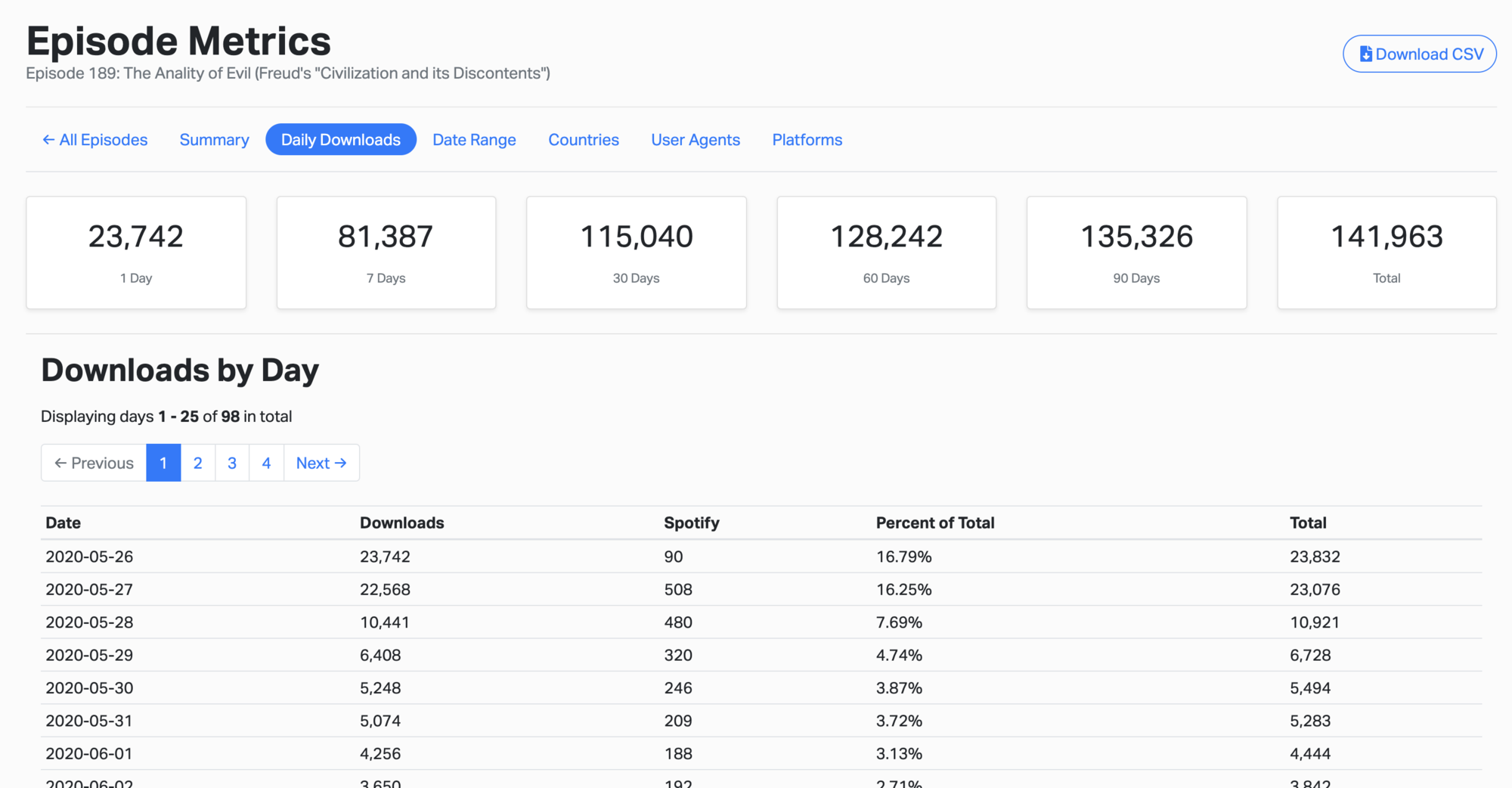
For all Standard and Pro level customers, the new Downloads by Day page can be found from the link in the nav-bar at the top of an individual Episode's Metrics Overview page. Clicking it will provide you with day-by-day download numbers (including Spotify download numbers) for each episode, as seen in the image below.
Additionally, this data can be downloaded as a CSV file for reviewing offline. We hope you like this new, expanded feature!
Happy podcasting!