Write Your Episode Footer Once, Use It Everywhere
Most shows end every episode's notes the same way: a Patreon link, a sponsor thank-you, a "find us here" line. Until now, that meant pasting it into every episode and editing every episode again when it changed.
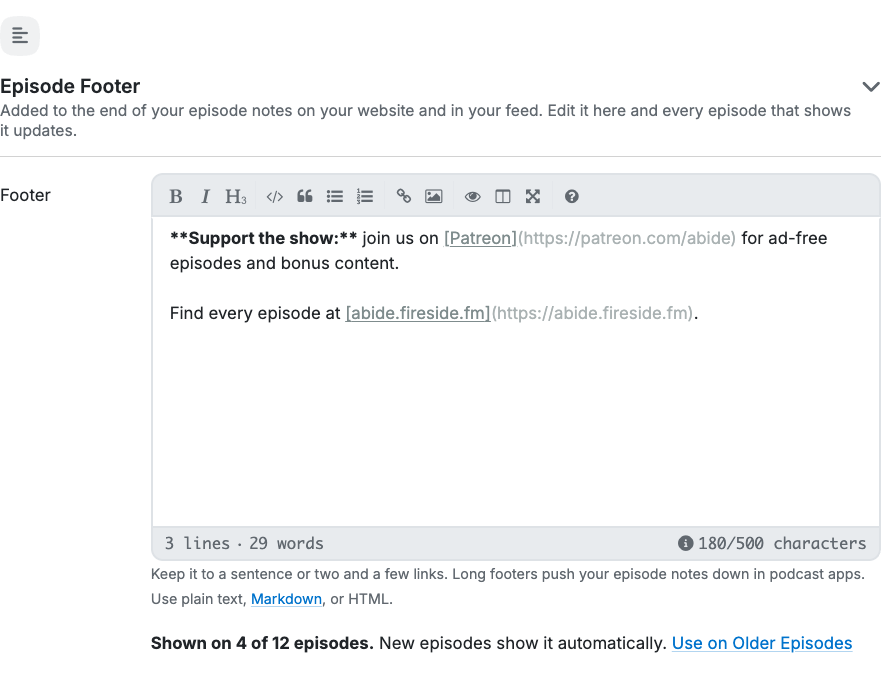
Now you write it once as your Episode Footer. It's added to the end of your episode notes on your website and in your feed, and when you edit it, every episode that shows it updates.
Write it in Settings › Episode Defaults. Footers can be up to 500 characters, in plain text, Markdown or HTML. Below the footer, you'll see how many of your episodes show it, with a Use on Older Episodes link when some don't yet.
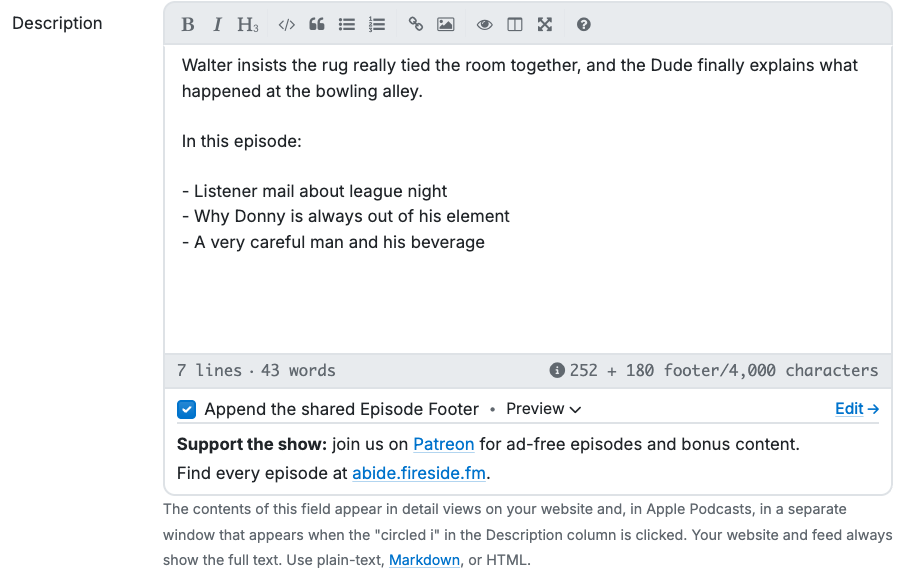
New episodes include it automatically. Each episode has an "Append the shared Episode Footer" checkbox under its description, with a Preview so you can see it in place.
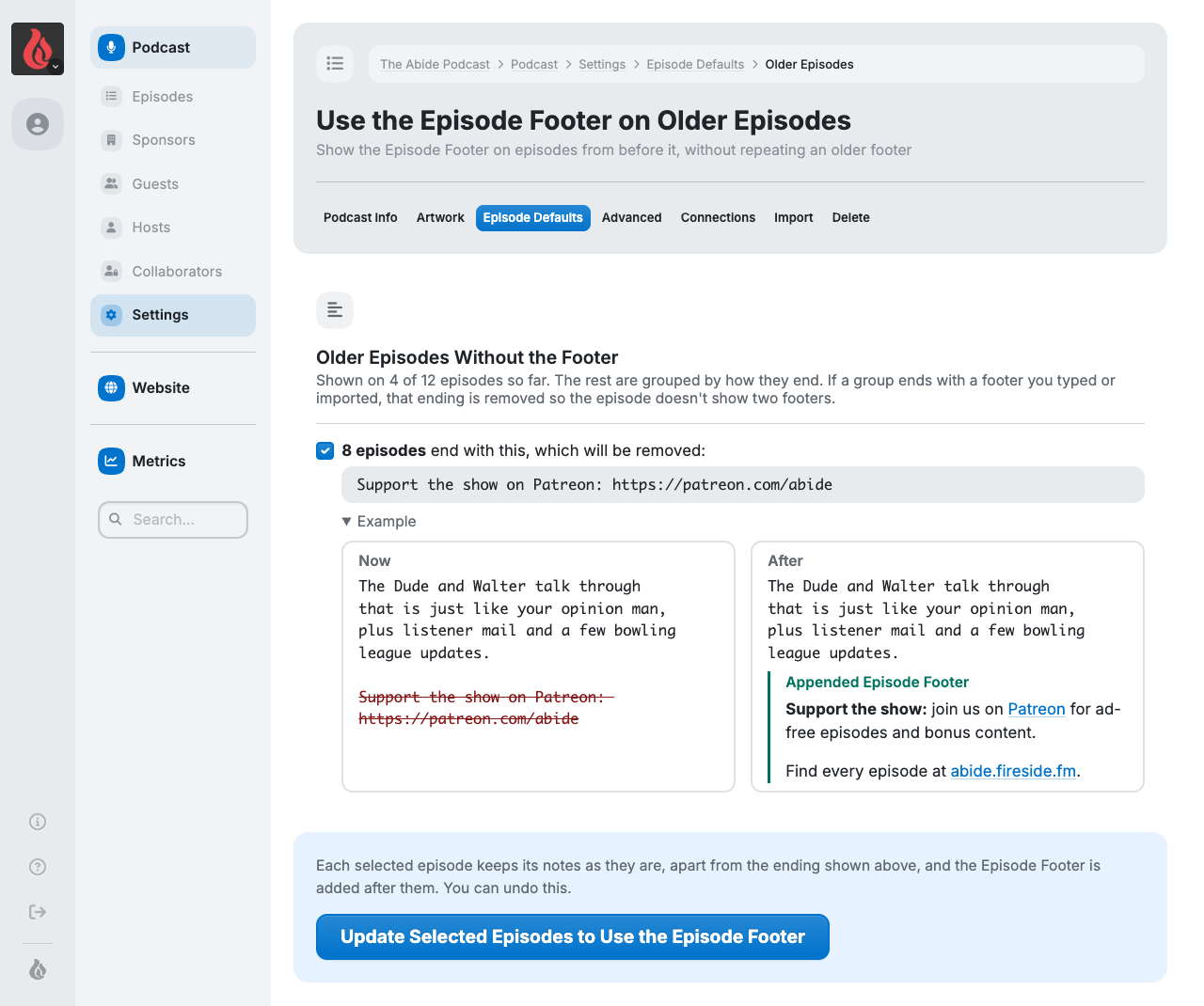
Bring your back catalog along. Use the Episode Footer on Older Episodes finds older episodes that already end with the same text you typed by hand, shows you exactly what will be removed and what replaces it, and updates them in one step. You can turn the footer on for your other older episodes at the same time.
Changed your mind? Undo reverses your most recent update, putting the old text back exactly. Episodes you've edited since are left alone.
Upload Up to 10 Images at Once
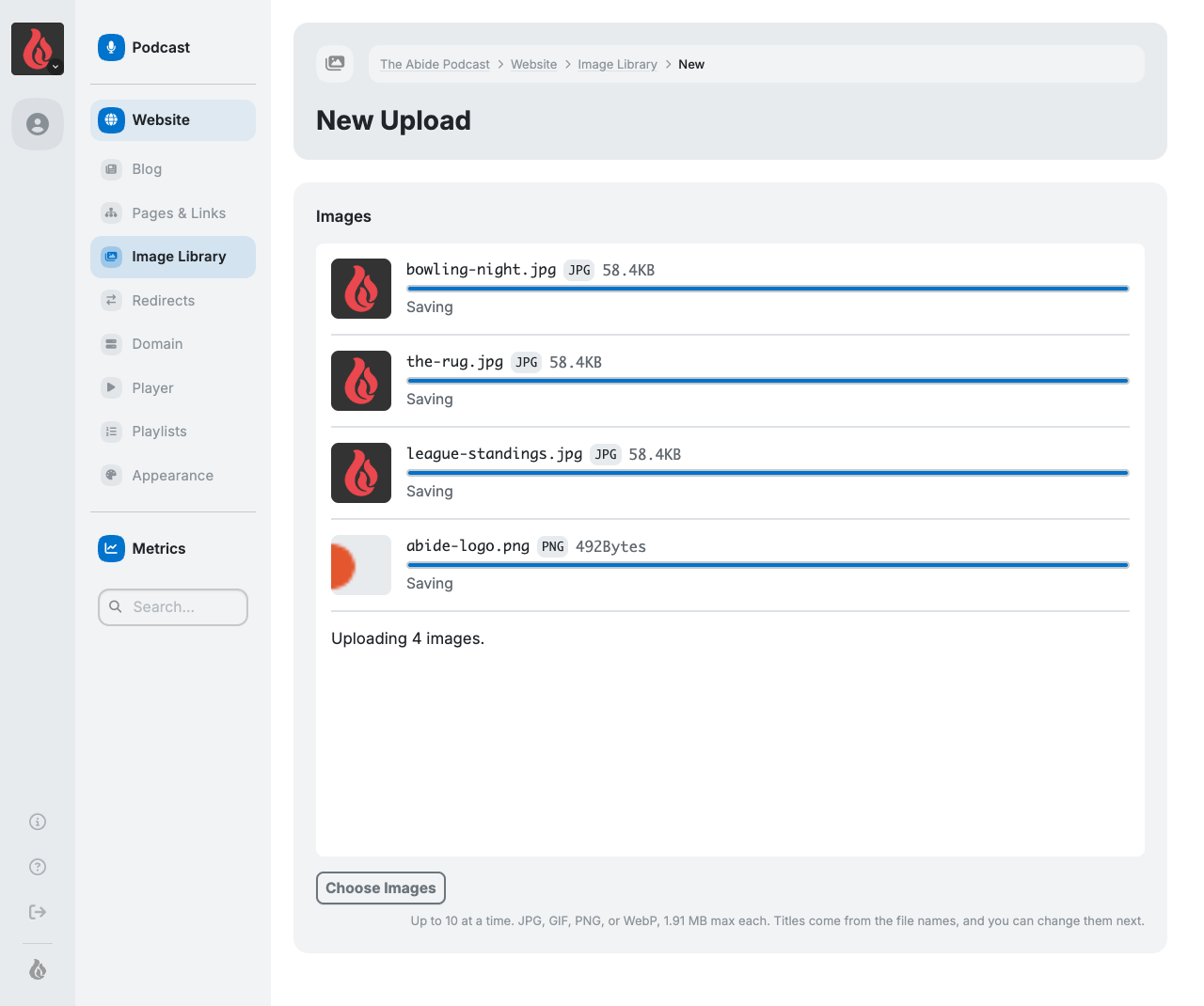
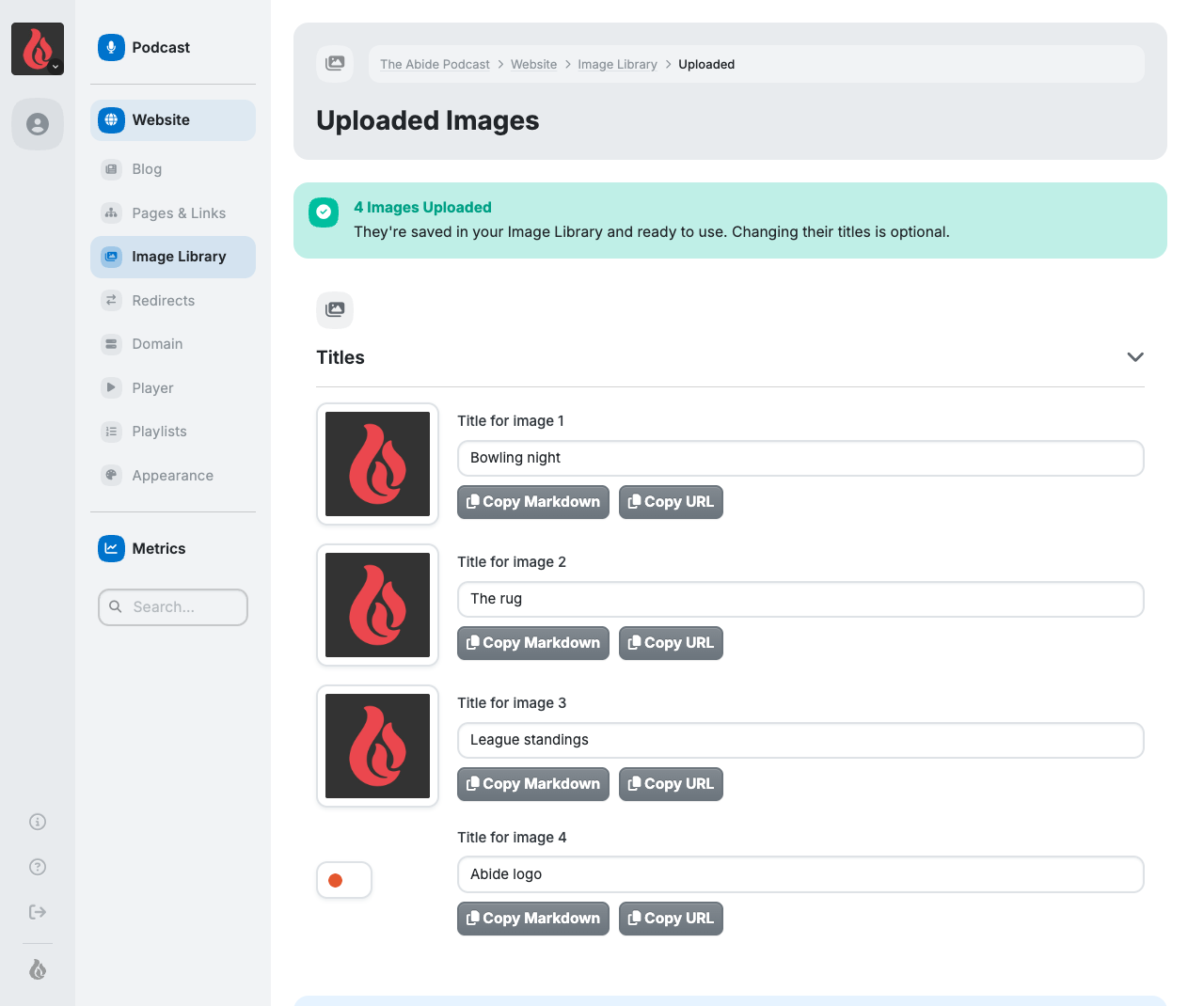
In the Image Library, choose, drag in or paste up to 10 images at a time. Each one shows its own progress, and when they're done you land on a page where you can adjust titles and copy each image's Markdown or URL.
If an upload hits a temporary hiccup, you'll see a Retry button instead of having to start over. An image that's too large is turned away with the reason, instead of a success message beside a warning.
A Clearer Home for Your Hosts
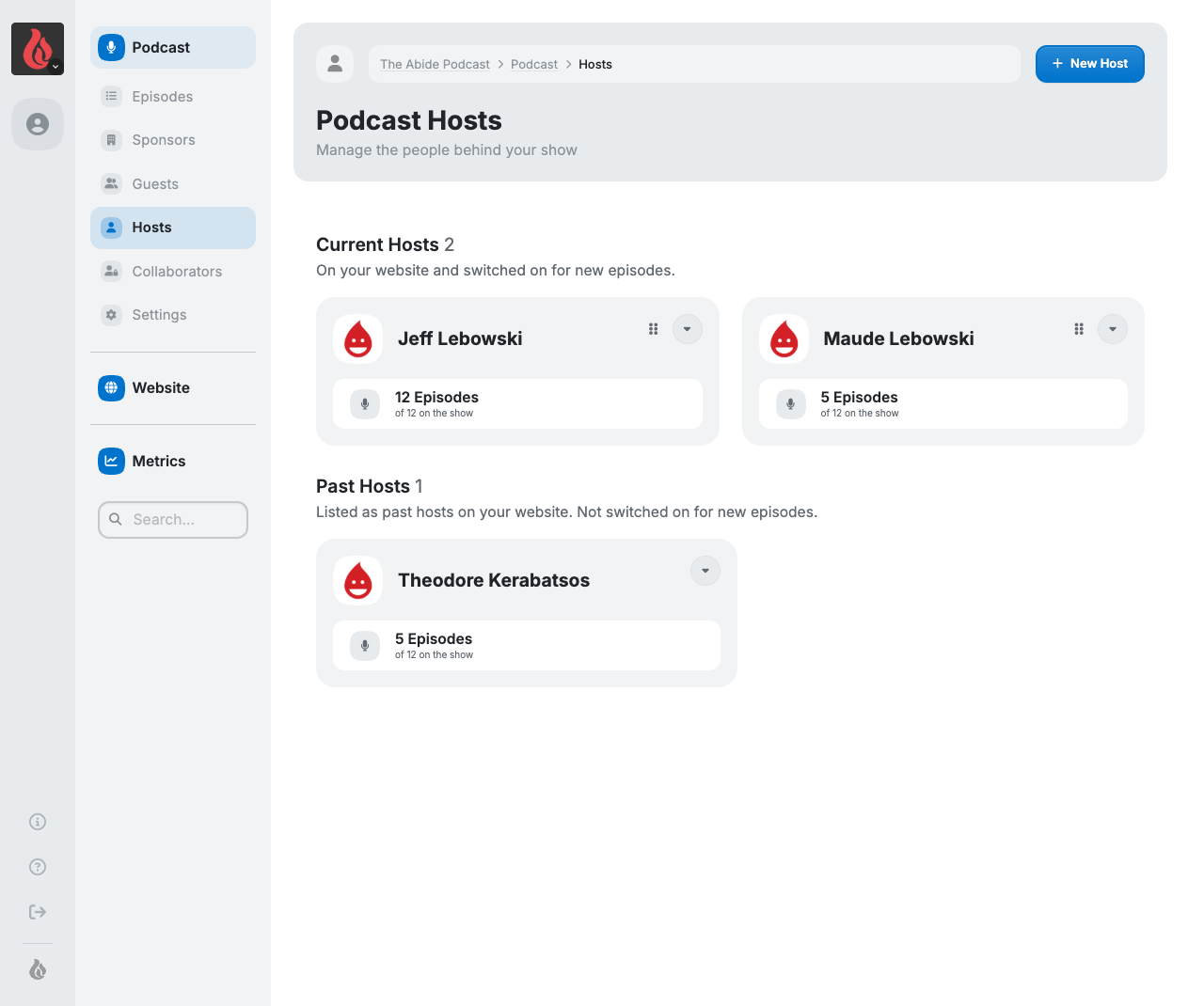
- Hosts are now cards, grouped by what listeners see: Current Hosts, Past Hosts and Hidden from Listeners. Reorder them by dragging or with Move Earlier and Move Later.
- Plainer settings. A host is now either shown to or hidden from listeners, and "Retired" is now called Past Host.
- Switch a host on across many episodes. The Hosts and Guests lists now show how many episodes each person is on, linking to the page where you can add them to many episodes at once.
- Your dashboard shows your current hosts, and Episode Defaults shows which hosts start switched on for new episodes.
- Saving an episode keeps its hidden hosts. Before, saving an episode could quietly remove hosts marked Private. They now stay unless you switch them off.
See Whether New Episodes Are Reaching More People
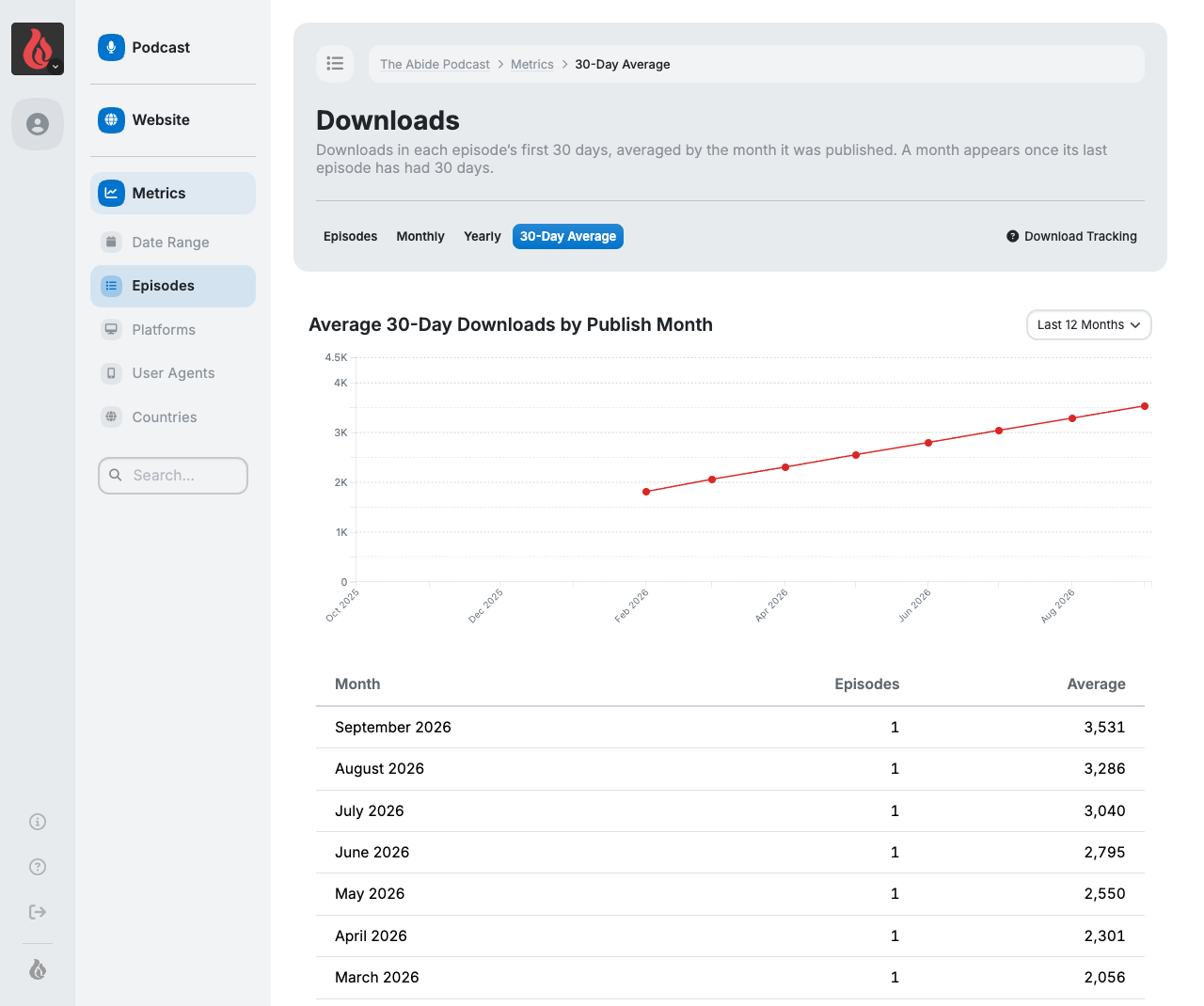
Metrics › Episodes has a new 30-Day Average tab. It charts the average downloads each episode gets in its first 30 days, grouped by the month it was published, so you can see whether new episodes are growing. The Metrics overview's Avg 30-Day card shows the same number for episodes from the last six months.
Only episodes published on Fireside count toward it. Imported episodes and episodes added more than a day after their publish date are left out, since most of their first 30 days happened somewhere else.
Custom Domain Monitoring
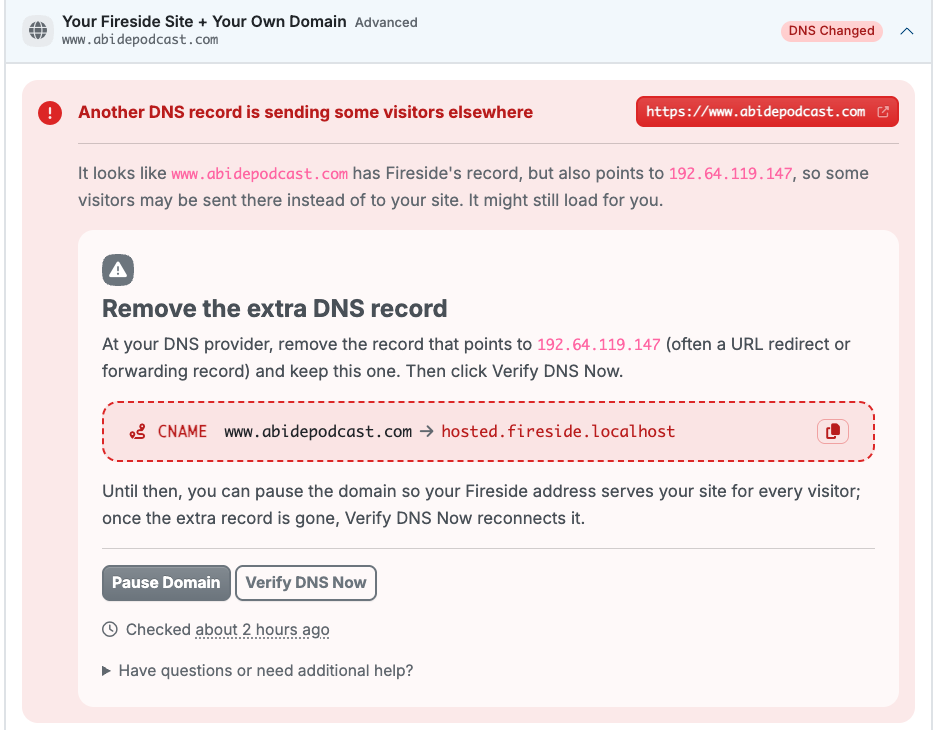
Every day, we now check every custom domain to make sure it still points at Fireside, and points at it correctly.
When something isn't right, Domain Settings now explains exactly what it found and your options for fixing it, such as removing an extra record your registrar added that sends some visitors elsewhere.
Soon, we'll also email you when something changes, so you'll know without having to check.
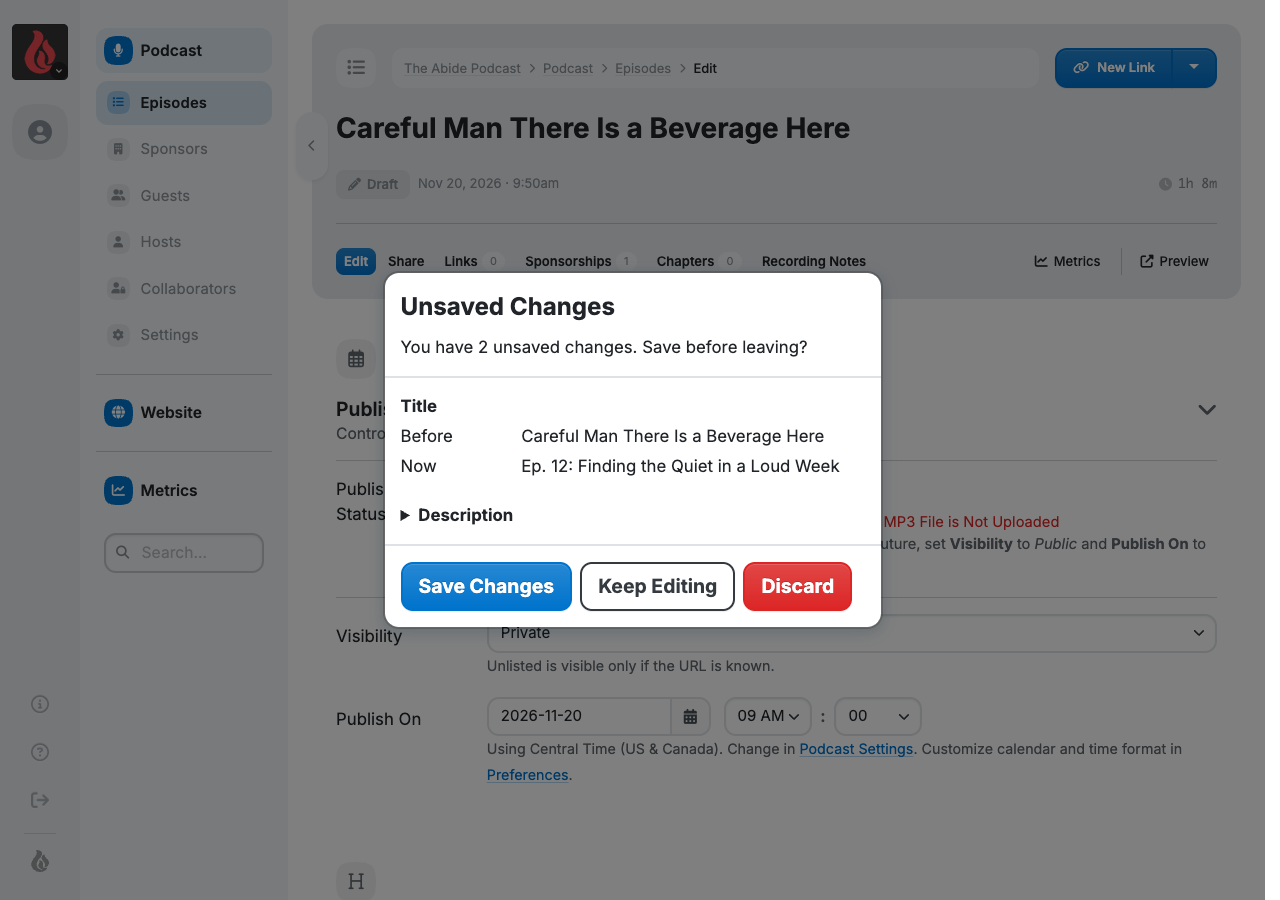
A Safety Net for Unsaved Episode Changes
If you leave an episode with changes you haven't saved, Fireside now stops to show you what you changed and lets you Save Changes, Keep Editing or Discard. It works on new episodes and existing ones, and it's on for everyone.