Change Your Site URL Without Breaking Anything
Renamed your show, or outgrew the address you picked on day one? You can now change your Fireside site URL yourself, and everything pointing at the old one keeps working. Your old website and feed addresses send listeners, podcast apps and shared links to the new ones automatically, including your patrons' private feeds.
Before anything changes, you'll see your exact old and new addresses side by side, so you can catch a typo before it goes live.
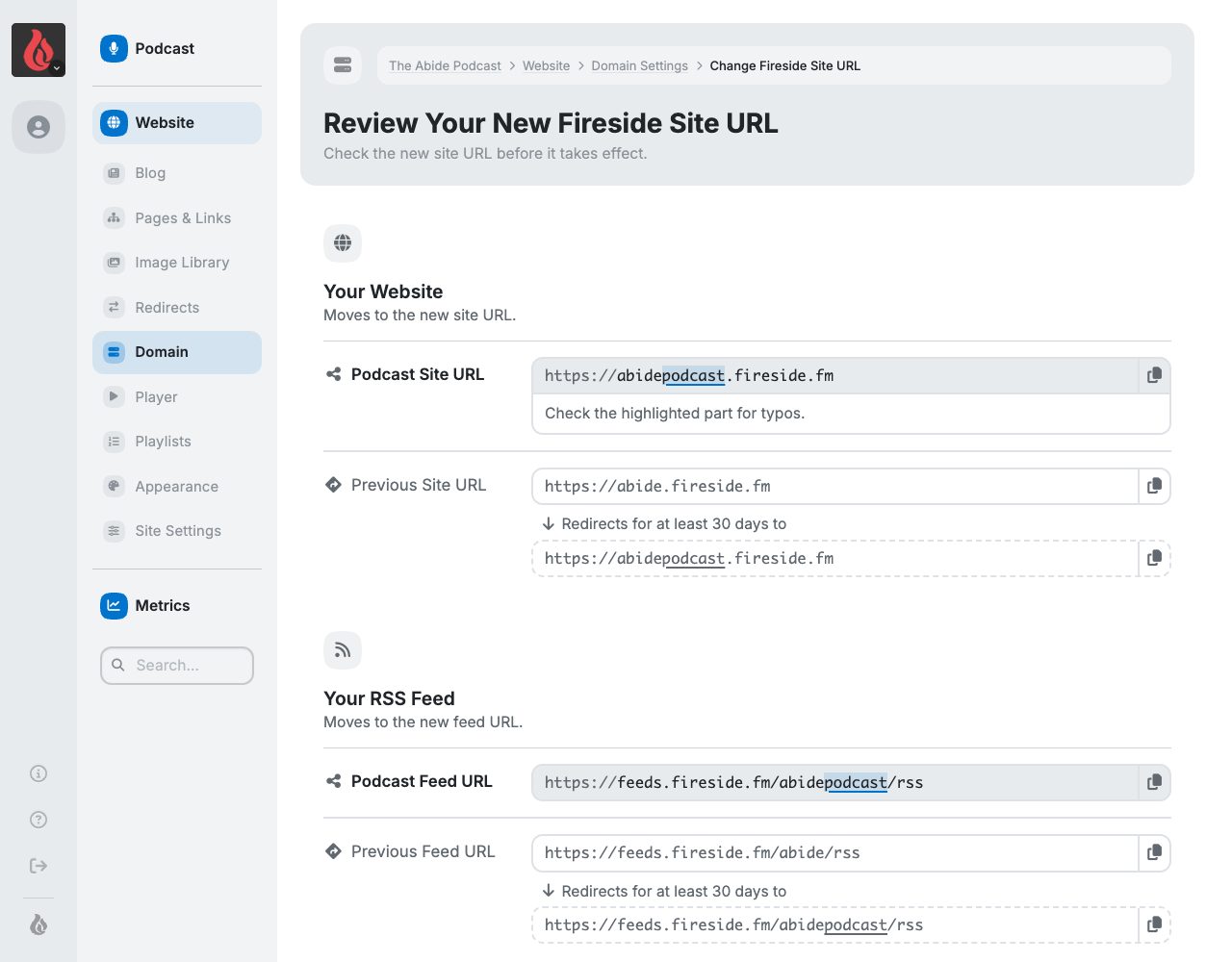
You'll also see what happens next. Most of it is handled for you, including Apple Podcasts. For the couple of places worth updating yourself, like Spotify and Amazon Music, you get each one's steps right there.
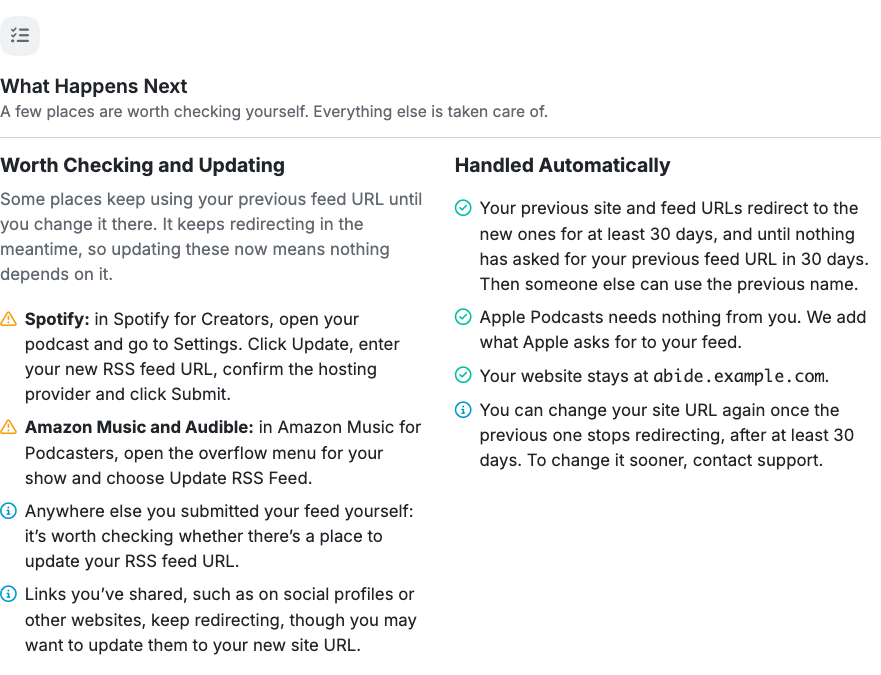
Find it in Domain Settings under Change Fireside Site URL.
Connect Your Own Domain, Step by Step
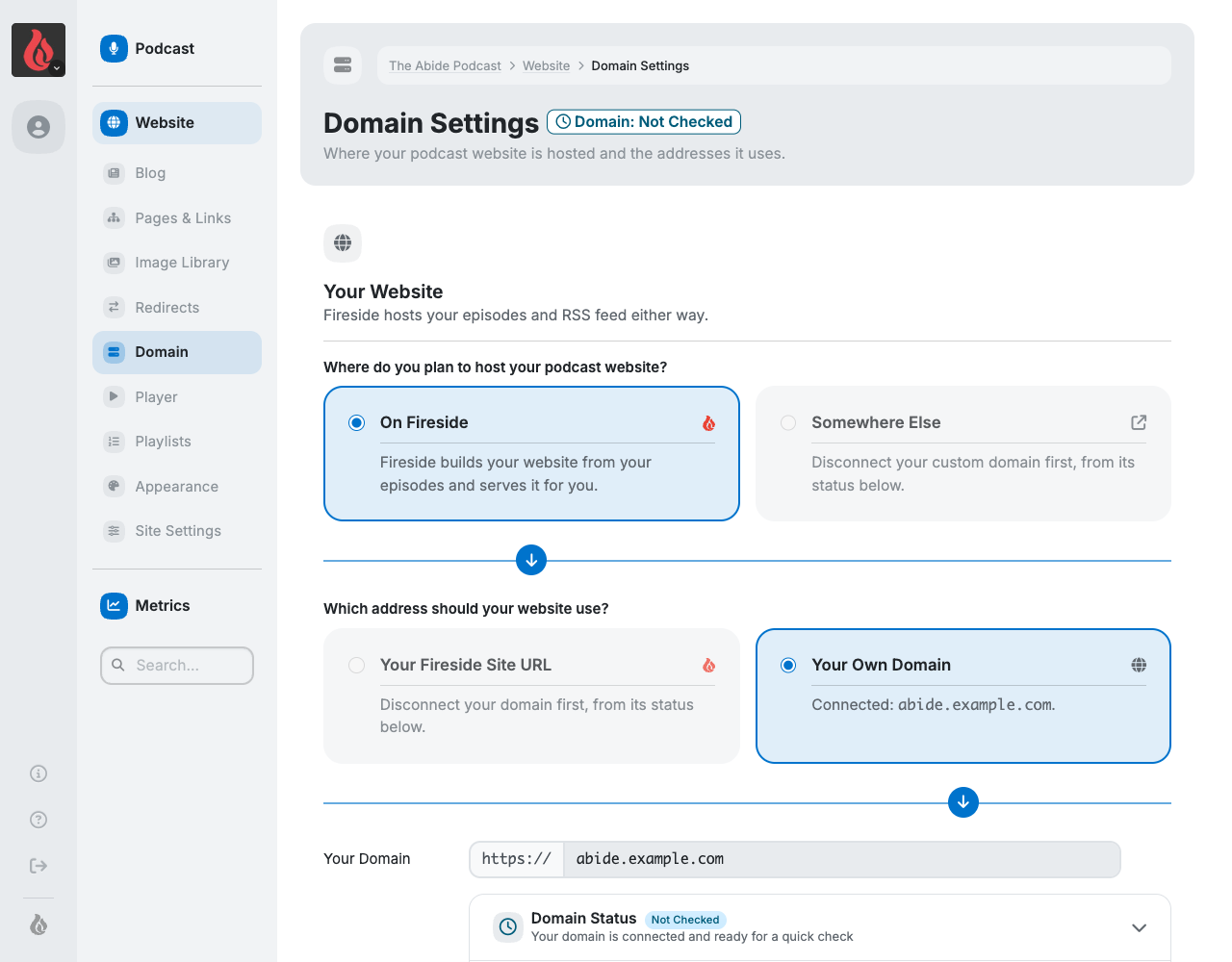
Connecting a domain you own now walks you through it: enter your domain, see exactly what will change and the one DNS record to add, then connect once it's ready. Nothing changes until your domain actually works, so your website is never left pointing nowhere.
And if you ever disconnect a domain, links to it keep leading listeners to your podcast for as long as its DNS still points to Fireside.
Settings That Are Easier to Find
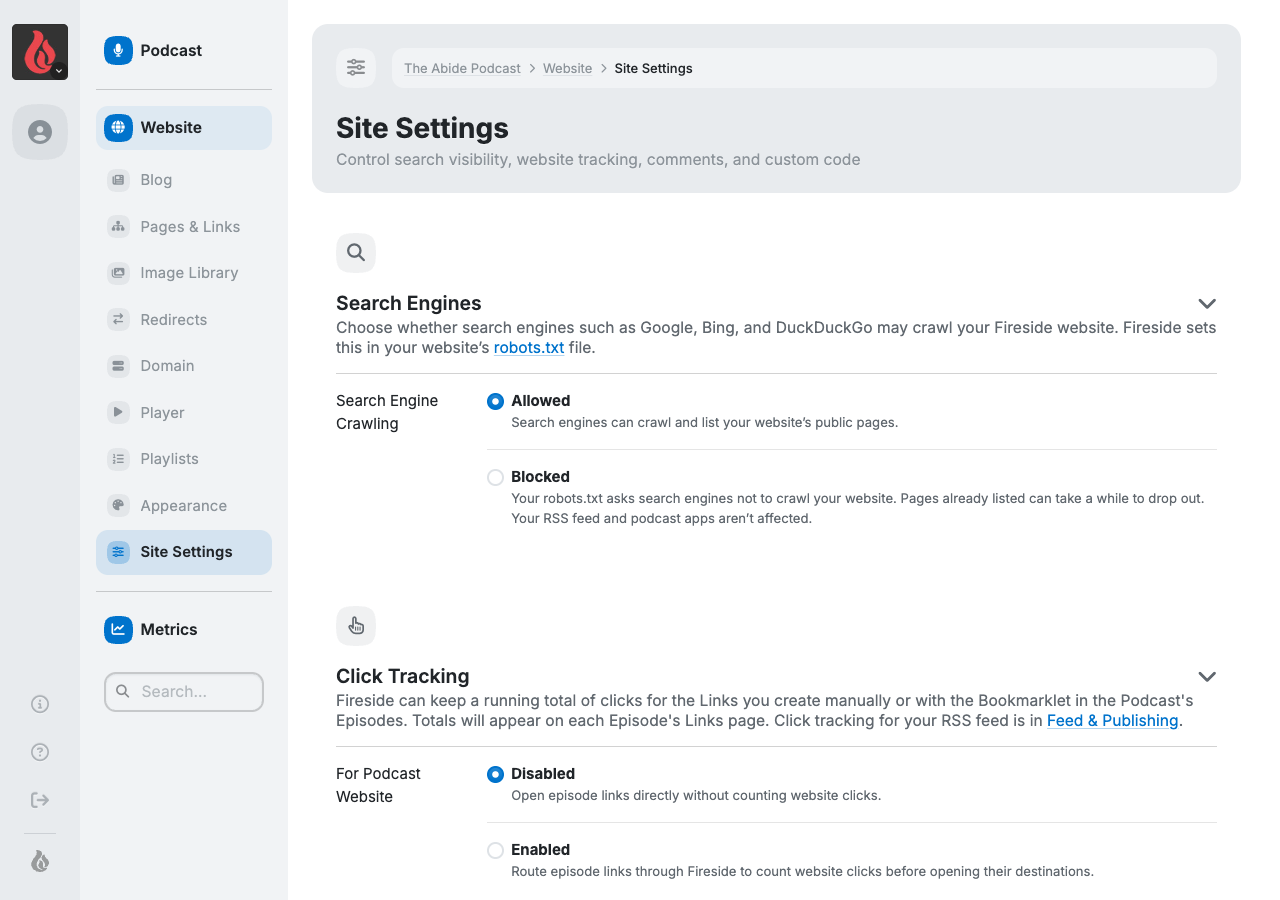
We went through every podcast setting so each one has a single, obvious home, grouped by what you're trying to do: your website, your feed and publishing, and who can see and listen to your podcast. Instead of hunting through a catch-all page of advanced options, you'll find each setting next to the ones it goes with.
When a setting matters in more than one place, the other places show it with a link to change it, so you never wonder which copy to edit. Things you paste into other services, like your RSS feed, episode links and DNS records, have a copy button.
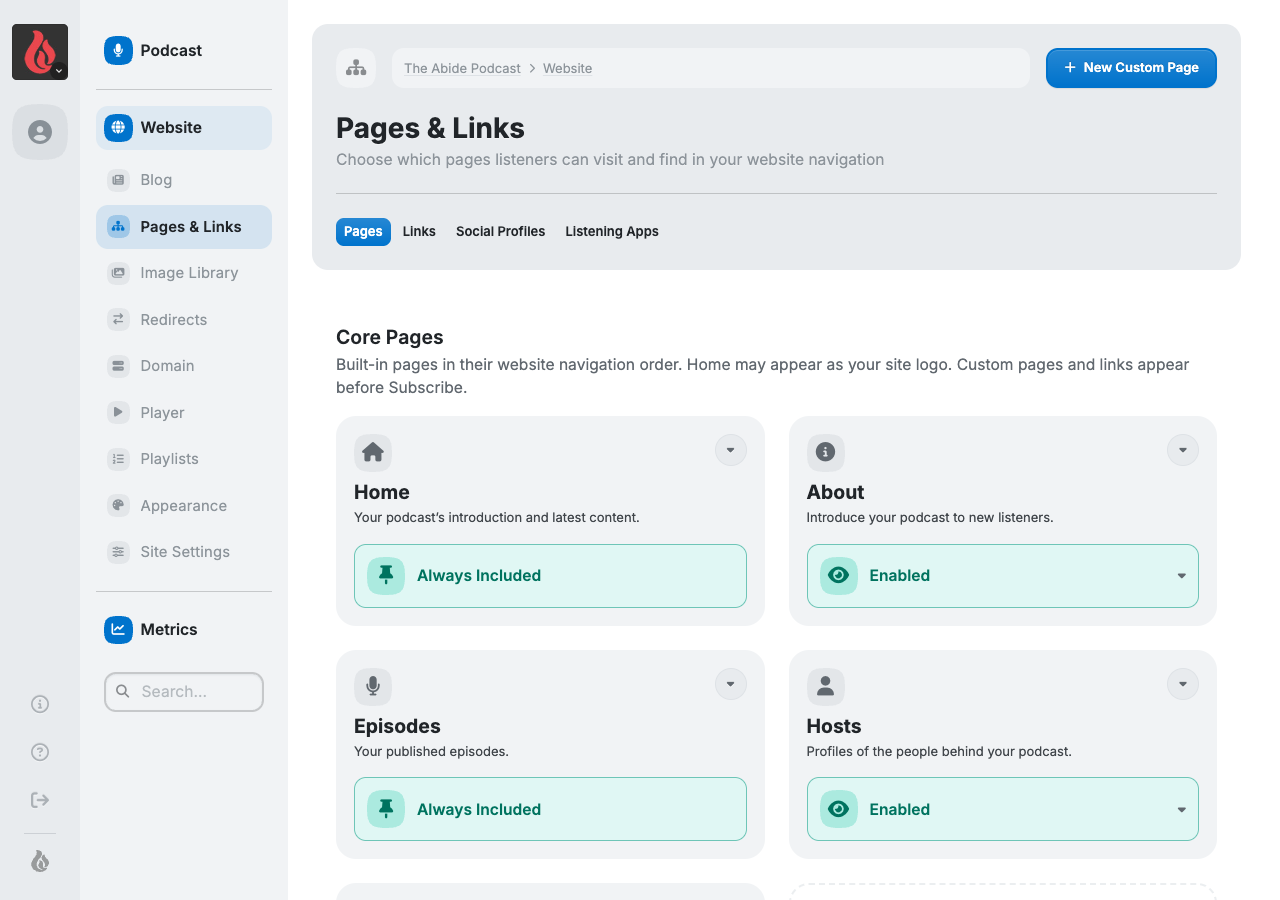
All Your Website's Pages in One Place
See every page on your website at a glance, built-in and custom, and turn each one on or off right there. Custom pages can also be unlisted, so you can share them by link without cluttering your site's navigation. Turning a page off keeps everything on it, ready for when you want it back.
A Player That Fits In Anywhere
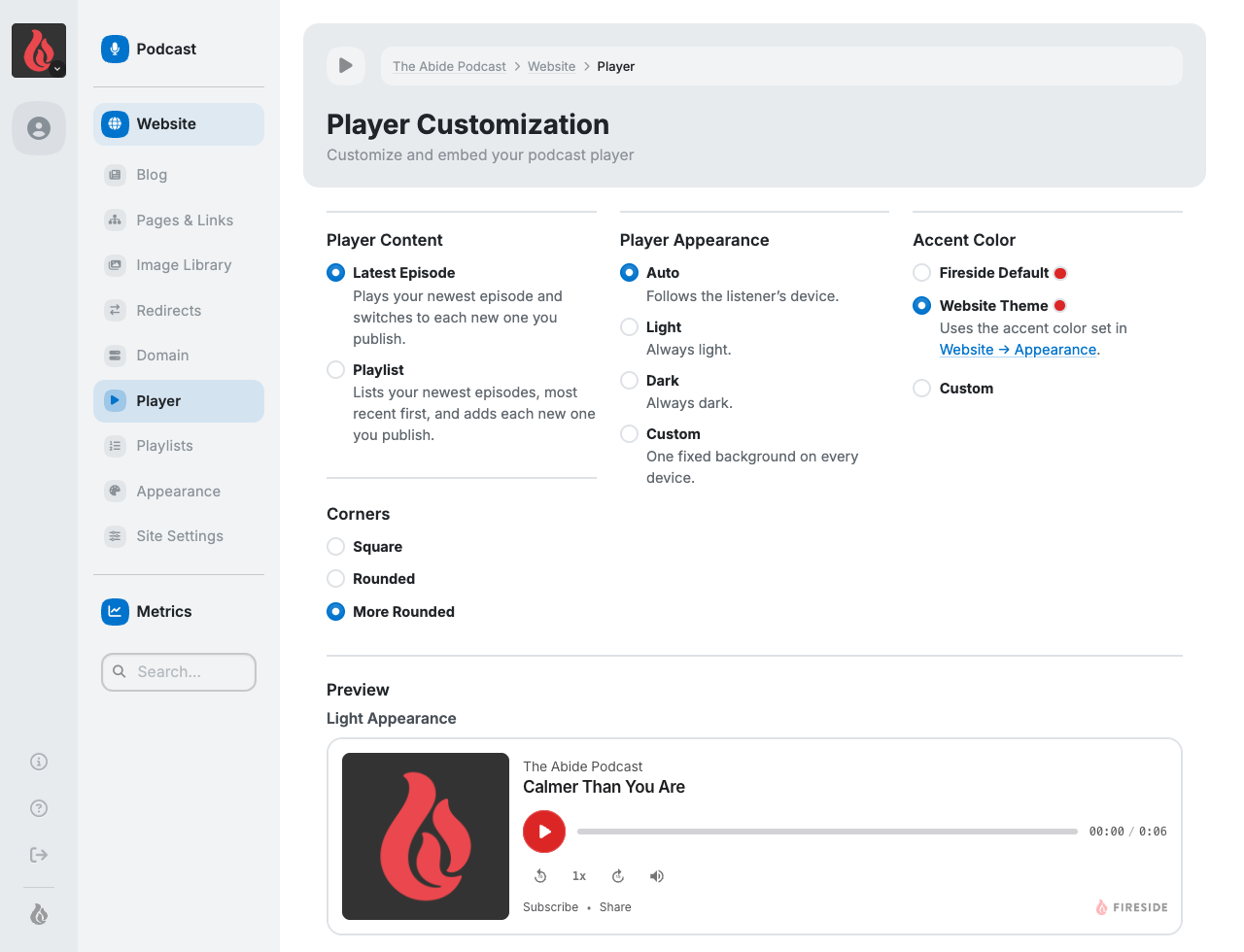
Your embedded player can now follow each listener's device, showing light or dark to match, or you can pick light, dark or a custom background. Custom colors are saved for next time, and the embed code you copy keeps your colors wherever you paste it.
Safer Account Changes
- Changing your email now asks for your current password, so only you can change where your account's email goes.
- Changing your password or email cancels any unused password reset links.
- Disconnecting Patreon or X asks you to confirm first, and tells you what disconnecting will remove.
Also New and Fixed
- Download Date Range Comparison as a spreadsheet. Get every episode's downloads for any date range in a CSV, not just the top episodes shown in the chart.
- Feed locks follow the current Podcasting 2.0 spec. Your feed now publicly states whether it's Locked or Unlocked, so hosts that respect locks won't import a locked feed, and Fireside won't import a feed another host has locked.
- Chapters make it into your MP3 on the first upload, even when you add them before the audio.
- Duplicating an episode a second time works when its slug includes a year, like
recap-2024. - An expired Patreon connection can be disconnected, not just reauthorized.
- Signing in takes you where you were headed, like the dashboard link in your weekly report email.
- It's easier to see which episodes each podcast host or guest appears on, and to add them to more episodes at once.